TWO PHOTOS / ONE ORANGE BOOTH
Hotel Lobby AI Video Template
Bring two photos into one orange-booth scene. Check a free still preview, then confirm a separate video when available.
configured target: 2 · 5s / 10s · 9:16 · 480p · Live quality unverified
Your two main characters.
JPG · PNG · WebP · HEICStatic preview first · Video is a separate paid step
Daily previews: 1 / 3 for guests / signed-in users
Photo requirements & draft privacy
One person or pet per photo · Face clearly visible · Good lighting · Waist-up or full body works best.
Prepared photos stay in this browser for up to 24 hours to recover your draft. Preview submission uploads them to the service.
Generate Free Preview · 0 creditsLength follows the selected motion reference. Actual output may be slightly shorter. Longer videos use more credits.Silent video. Add music in TikTok, Reels or Shorts after downloading; lip sync to your chosen track is not guaranteed.
Free preview · No subscription required · Input photos retained for 24h · See example status ↓
Standard videos: 5 or 10 seconds. HD and 15-second videos are not available yet.
What this template makes
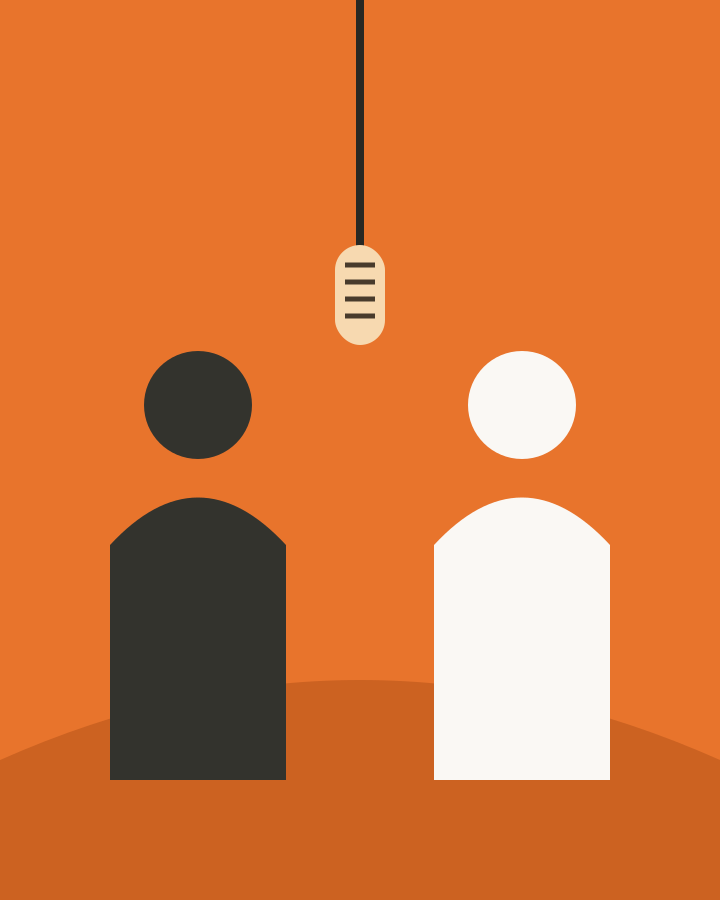
The Hotel Lobby AI video template is designed around an orange seamless booth, one hanging microphone and two subjects taking turns. The camera stays still, and the target composition is vertical 9:16. Choose a 5- or 10-second Standard video. Actual output duration may vary slightly with the model result.
The clip is silent. You choose any accompanying audio later in the destination app, subject to its music permissions. The original COLORS performance and the song are not bundled into the output. Likewise, the booth illustration is original interface artwork, not a demo of face likeness, clothing preservation or motion quality.
Hotel Lobby character swap vs. face swap
“Hotel Lobby face swap” is a common way to describe the visual idea, but the intended operation is broader. A character reference can guide the subject’s face, hair, clothing and overall appearance within a newly rendered scene. A face-only edit would aim to change just the facial region of an existing shot. Those are different operations, and neither label guarantees perfect identity preservation.
How to use the template
- Choose your subjects. Use photos you own or have permission to use. Put one subject in each upload slot; a second copy of your own photo is fine.
- Set the sides. Check the thumbnails. Swap exchanges the two slots before submission. It does not edit a preview that already exists.
- Review a still preview. Where available, Generate Free Preview creates a saved task. Wait for its real status and inspect the image. Try other photos if the reference does not communicate the intended subjects.
- Choose whether to animate. Sign in to claim the creation. Choose a 5- or 10-second Standard video, review the server-provided cost and confirm.
Standard vs HD
| Option | Resolution | Length | credits | Status |
|---|---|---|---|---|
| Standard | 480p | 5s | 100 | Available |
| Standard | 480p | 10s | 200 | Available |
Standard 5- and 10-second videos have completed controlled output acceptance. HD is not available yet. Higher resolution cannot repair an incorrect identity, a crossed arm or the wrong subject placement by itself.
Compare the packs on Pricing. Prices and credit quantities there come from the checkout catalog, so this article does not maintain a second price list. A credit pack is a balance rather than a reserved queue slot. The server checks available credits and existing jobs again when you request an animation.
Results gallery
There are no approved public generated examples yet. We are using the static scene illustration above rather than publishing mock fixtures, unreviewed Spike results or private photos as marketing media. A real gallery must show actual output, identify its source and use subjects cleared for public display. It must also distinguish Standard and HD rather than inferring quality from a resized poster.
If the result looks off
Check the still image before starting motion. If the sides are reversed, make a new preview with the upload slots corrected. If a face is tiny or covered, choose a closer, clearer photo. If the body is cut off where the motion needs an arm or shoulder, provide more framing. Repeating an identical unclear input may reproduce the same uncertainty.
Hands, overlapping subjects and animal anatomy deserve a careful frame-by-frame review. A task can technically succeed while producing an image you dislike. Technical failure and subjective quality are not the same refund condition. A charged job that fails or times out returns eligible credits through the account ledger; a completed job does not automatically become refundable because you prefer another result. Read the cash-refund policy for completely unused orders.
Save a ready video before its 7-day retention window ends. Input photos expire after 24 hours, so a later retry may require a new upload. Delete now removes access; keeping a signed link does not extend an expired asset’s lifetime.
FAQ
Does this replace clothing as well as a face?
The intended character workflow uses the full subject reference, including visible clothing and hair. It is not a guarantee that every garment or detail survives a render. A close-up headshot gives little evidence about the rest of the body. Choose references that show the parts of the subject that should appear in the scene.
Can I choose the same person on both sides with different photos?
Yes, the interface lets you choose two different photos or duplicate one file. Use similar lighting and framing if you want the two sides to read as the same person. The two slots are separate references; they do not create a training profile or a permanent custom identity model.
What if a photo contains two people?
Choose or crop to one intended subject before submitting. A group photo creates ambiguity about who belongs in that slot. Check that cropping leaves enough pixels and useful body framing. The minimum-size check can reject a small crop, and passing it still does not prove that the subject is visually clear enough.
Can I choose a longer performance?
Choose 5 or 10 seconds before submitting the video. The 15-second option is not available yet. Standard costs 100 credits for 5 seconds or 200 credits for 10 seconds.
Does choosing HD change the choreography?
The quality selector changes the configured output resolution and credit cost. It is not a new song, camera angle or performance. HD remains unverified, so the interface explicitly labels its status. Compare the real output when available instead of treating the label as proof of higher likeness or better motion.
Can I get a refund if generation fails?
A failed charged video can return eligible credits once; the page displays the actual refund state. A preview normally has no video charge to refund. A retry is a new attempt with its own credit check. This does not promise a payment-card refund; see the current refund policy.
Is there a Migos, Quavo or Takeoff version?
Those names explain the cultural reference, not a selectable celebrity identity pack. This project does not supply the artists’ photos, their original performance or their audio. Use authorized subjects and describe the result honestly. For the sourced background, read where the Hotel Lobby format comes from.